





Motion Design For B2B.

Place for editors and designers to learn premium explainer animations that showcase functionality, simplify messaging, and impress audience in seconds.

Scroll Down

SaaS
Blender
Motion Graphics
Explainers
Scripting
3D
2D

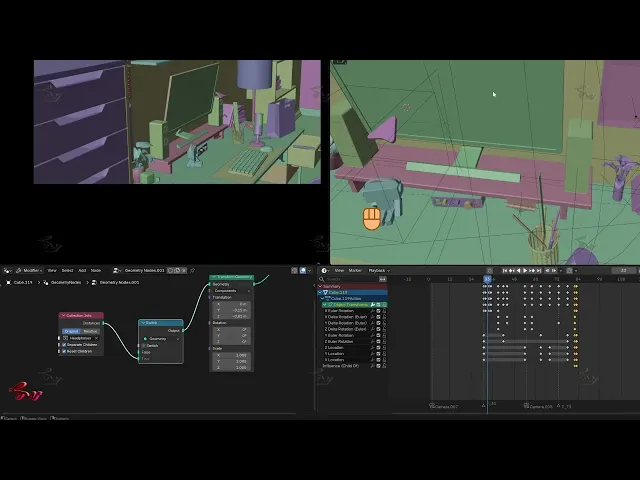
Beautiful 3D motion graphics

Complete tutorials for artist of every caliber

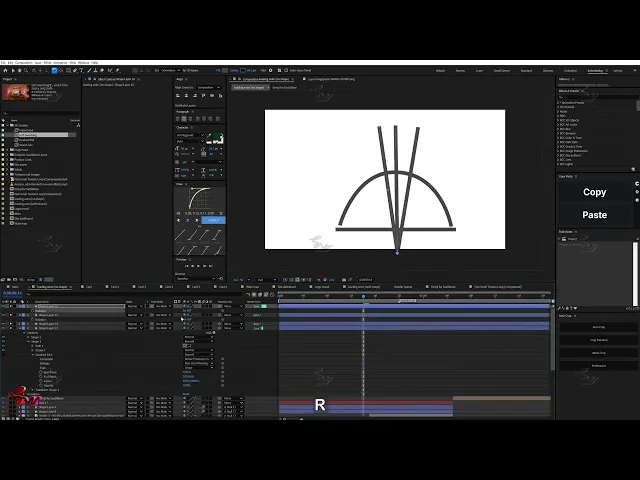
Easiest 3D to 2D pipeline

Super easy to follow along

Visuals that vibe with sounds

No more corporate music or voice overs

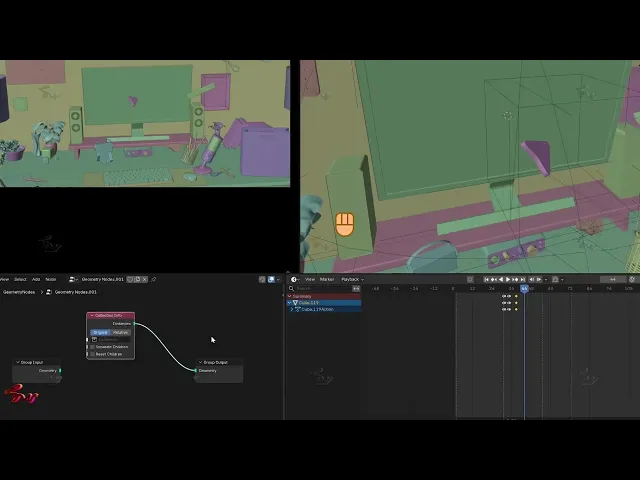
Seamless transitions 3D to 2D

Latest 10h ago

Course Intro

What will we create

Master all in one placewith one instructor.

Master all in one placewithone instructor.

3D Motion Graphics

3D Motion Graphics

Sound Design for Graphics

Sound Design for Graphics

2D Motion Graphics

2D Motion Graphics

Storyboarding for graphics

Storyboarding for graphics

Requirement

Tools you need

Be sure you have these tools.

- Familiarity with After Effects

- Moving around experience with Blender
(Free mini-course included for first timers)

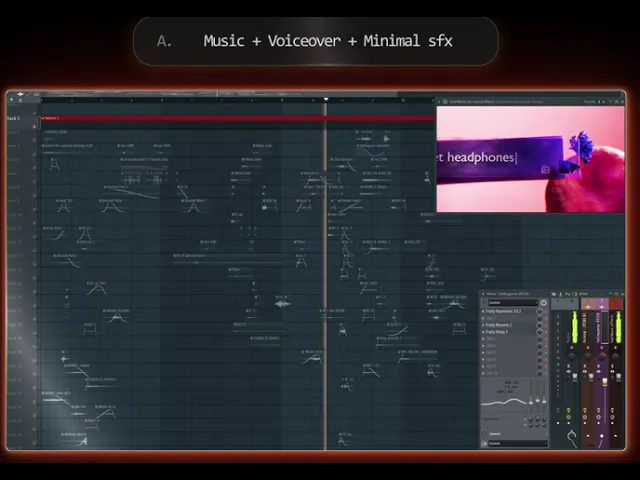
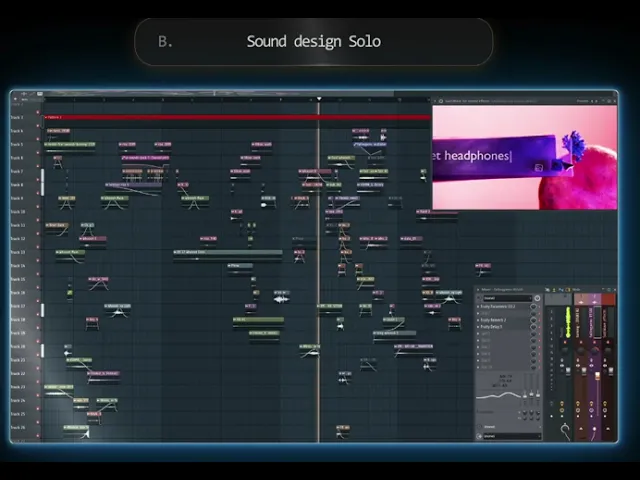
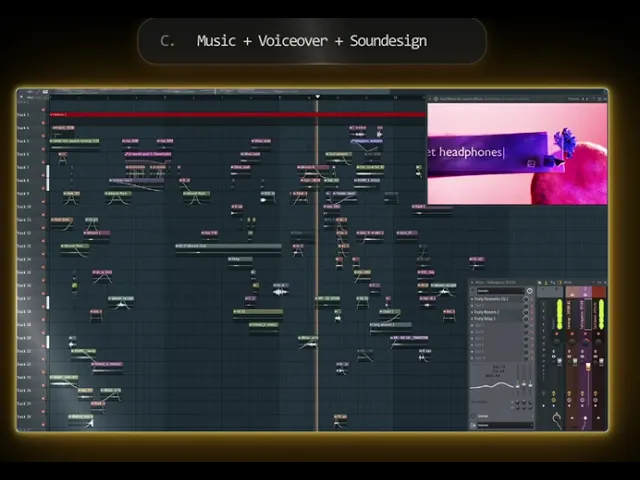
- FL Studio or any video editing software
that can handle audio.

Info:
I pick FL Studio for sound-design because of it being
a dedicated audio production software,
However, if you don't have it, you can simply use any
video editing software that handles audio e.g DaVinci, Premiere etc.

+

FL Studio supports video playback, making sound-design
even more interactive.

Either way, you'll be able to follow along!

Requirement

Tools you need

Be sure you have these tools.

- Familiarity with After Effects

- Moving around experience with Blender
(Free mini-course included for first timers)

- FL Studio or any video editing software
that can handle audio.

Info:
I pick FL Studio for sound-design because of it being
a dedicated audio production software,
However, if you don't have it, you can simply use any
video editing software that handles audio e.g DaVinci, Premiere etc.

+

FL Studio supports video playback, making sound-design
even more interactive.

Either way, you'll be able to follow along!

Requirement

Tools you need

Be sure you have these tools.

- Familiarity with After Effects

- Moving around experience with Blender
(Free mini-course included for first timers)

- FL Studio or any video editing software
that can handle audio.

Info:
I pick FL Studio for sound-design because of it being
a dedicated audio production software,
However, if you don't have it, you can simply use any
video editing software that handles audio e.g DaVinci, Premiere etc.

+

FL Studio supports video playback, making sound-design
even more interactive.

Either way, you'll be able to follow along!

Files & Assets

Dive deep

Dive deep

Study the project files from the course's content.
Additionally +2 blender files from my personal projects

Study the project files from the course's content.
Additionally +2 blender files from my personal projects

16

Free - Blender Kickstarter

Free - Blender Kickstarter

3

Refining Script - For Motion

Refining Script - For Motion

7

Blender Scene Creation

Blender Scene Creation

2

Blender to AE Compositing

Blender to AE Compositing

9

2D motion graphics

2D motion graphics

3

Sound Design

Sound Design

3

Project files

Project files

2

Free - x2 Blender projects

2

Moodboard files

Moodboard files

A common question animators ask is, "where do we find references?"

A common question animators ask is, "where do we find references?"

That's why

Synthesis with my moodboard

Synthesis with my moodboard

A moodboard that I kept updating throughout creative process, that shows how I think and collect references, mark down ideas that pop on random and how all of that reflects on the end result.

A moodboard that I kept updating throughout creative process, that shows how I think and collect references, mark down ideas that pop on random and how all of that reflects on the end result.

Take mine as a direction template that has a lot of ideas gathered for you to do synthesis from.

As you get confident, you'll start doing your own.

Take mine as a direction template that has a lot of ideas gathered for you to do synthesis from.

As you get confident, you'll start doing your own.

3GB total

  • 44 video tutorials

  • 12hrs+

  • Projects

  • Assets used


No content bloat or fillers.


  • 44 video tutorials

  • 12hrs+

  • Projects

  • Assets used


No content bloat or fillers.


I get daily messages on instagram from followers and my students who have been a part of a lot of subscription and course based community programs.
While many of them appreciate certain aspects, the most common downsides

they’ve experienced are:

  • A lot of hype but tutorials’ quality falls flat

  • Tiny little effects being represented as “revolutionary” or game-changing techniques

  • Repetitive, filler content

  • Basic stuff that could easily be found on YouTube for free after a little research

  • Heavy focus on copying trendy styles (Apple UI, viral reels, etc.) instead of practical skills

  • Bloating with ChatGPT-generated plugins to feel premium - plugins serve limited to no practical use in real projects

  • Recycled assets you see everywhere

  • Extremely high prices compared to the value received

  • Loom meetups that feel unproductive, unstructured

  • Limited, less detailed feedback from instructor/s, insisting on upgrading memberships

I get daily messages on instagram from followers and my students who have been a part of a lot of subscription and course based community programs.
While many of them appreciate certain aspects, the most common downsides

they’ve experienced are:

  • A lot of hype but tutorials’ quality falls flat

  • Tiny little effects being represented as “revolutionary” or game-changing techniques

  • Repetitive, filler content

  • Basic stuff that could easily be found on YouTube for free after a little research

  • Heavy focus on copying trendy styles (Apple UI, viral reels, etc.) instead of practical skills

  • Bloating with ChatGPT-generated plugins to feel premium - plugins serve limited to no practical use in real projects

  • Recycled assets you see everywhere

  • Extremely high prices compared to the value received

  • Loom meetups that feel unproductive, unstructured

  • Limited, less detailed feedback from instructor/s, insisting on upgrading memberships

I get daily messages on instagram from followers and my students who have been a part of many subscription and course based community programs.
While many appreciate certain aspects, the most common things they've experienced are:

  • A lot of hype but tutorials' quality falls flat

  • Tiny little effects being represented as “revolutionary” or game-changing

  • Repetitive and filler content

  • Basic stuff that could easily be found on YouTube for free after little search

  • Heavy focus on copying trendy styles (Apple UI, viral reels, etc.) instead of practical skills

  • Sharing ChatGPT-generated scripts and plugins that have limited practical use in real projects

  • Recycled assets you see everywhere

  • Higher prices compared to the value received

  • Loom meetups that feel unproductive and unstructured

  • Limited, less detailed feedback from the instructor

Motion is more than just being able to create or replicate.It's also about understaing the "Why"

Motion is more than just being able to create or replicate.It's also about understaing the "Why"

That’s why I had to create SaaSWAVE

That’s why I had to create SaaSWAVE

Lives upto the hype

Production-quality SaaS motion design

Every creative decision explained

No repetition, not even from the creator's own youtube channel

Learn 3D motion graphics, that you see but always wonder how to create

Strictly avoids the trendy terms/styles - Focuses on authenticity and what works in practical projects

Create assets others can't find anywhere else

No meetup bloats and unproductive sessions

Direct feedback & Discord community

Premium training. Fair pricing.

Lives upto the hype

Production-quality SaaS motion design

Every creative decision explained

No repetition, not even from the creator's own youtube channel

Learn 3D motion graphics, that you see but always wonder how to create

Strictly avoids the trendy terms/styles - Focuses on authenticity and what works in practical projects

Create assets others can't find anywhere else

No meetup bloats and unproductive sessions

Direct feedback & Discord community

Premium training. Fair pricing.

Finally a course that
makes your portfolio expensive.

Finally a course that
makes your portfolio expensive.

Finally a course that
makes your portfolio expensive.

Finally Unlocking the mystery

SaaSWAVE aims to produce all-roundersthrough this course

SaaSWAVE aims to produce all-roundersthrough this course

3D Graphics
2D Graphics
Sound Design
Storyboards
3D Graphics
2D Graphics
Sound Design
Storyboards
3D Graphics
2D Graphics
Sound Design
Storyboards

Know every Decision behind creation

Know every Decision behind creation

Free kickstarter

Never used Blender?

No problem!

Includes a FREE Blender Kickstarter mini course

Includes a FREE Blender Kickstarter mini course

Includes a FREE Blender Kickstarter mini course

  • A set of free Extra 18 video tutorials to get you familiar with blender faster

  • Comparing feature similarities of After Effects and Blender, that boosts your learning by 40%

  • All essentials tools and functions to get you ready for creating your first Blender visual

  • A set of free Extra 18 video tutorials to get you familiar with blender faster

  • Comparing feature similarities of After Effects and Blender, that boosts your learning by 40%

  • All essentials tools and functions to get you ready for creating your first Blender visual

Comparing AE and Blender’s features.

Comparing AE and Blender’s features.

Comparing AE and Blender’s features.

Unique side-by-side comparison

Shortening the learning curve

Shortening the learning curve

This unique comparison between Blender and AE helps you learn Blender faster.

Since you already know how to use AE.

This unique comparison between Blender and AE helps you learn Blender faster.

Since you already know how to use AE.

Taught in easy way — so you can focus on what matters

Taught in easy way — so you can focus on what matters

✅ Explaining similar features that translate to 3D software

✅ Taking away the pressure you feel when opening multiple software at once

Making sure skill level doesn't hold you back from seeing your ideas in motion

Making sure skill level doesn't hold you back from seeing your ideas in motion

Course details

Lifetime access

Suited for Basic - Pro

Total 44 video tutorials

12+ hours

Assets/Files Included

Discord access

English

USD 239.00 ~

USD 239.00 ~

Early Bird Discount

Early Bird Discount

Original Price

USD 283.00

No subscription

One-time Payment

Learn at your own pace

Taught by a professional

Excluding regional tax

Read FAQs and Policy

Discounts

If you have been a member of ArsacreAcademy,

If you have been a member of ArsacreAcademy,

You can avail a special discount

Upto Extra 30%

Reach out here with receipt

Disclaimer: In order to avail the discount, a receipt or a proof of previous membership must be provided.

Shortening the learning curve

Share Work, Take Feedback

Taking feedback is essential for improvement — On our discord

Ask questions, share work, take feedback from instructor and everything

that helps you leap forward with skills.


SaaSWAVE

Discord: Get feedback, share your work. ask questions on improvement

Instructor who want's you to level up your motion game

Pure detailed guidance, that has helped hundreds of students from previous courses

Real 3D motion graphics

Design purposeful visuals with reasoning

SaaSWAVE

Experienced, understands fast with brief info

Inconsistent outsourced, poor understanding of client's brief

Can compromise on sleep, Never on quality

Can compromise on quality for quick results

What's shown is what's delivered

Often different from shown due to outsourcing

Streamlined one-man process, handles complexities

Chaotic process & rushed mediocre results

Faster conversation, priority attention

Multiple individuals involved, conversation delays

Custom highest quality video, created from scratch

Often templates based project

Highly cost effective, top quality result

Expensive with low quality graphics

Difficulty

Overall Difficulty Level

Output

Output Quality Level

Learning is a never-ending journey. That’s what makes it fun!
However, with this course you’ll experience a massive leap in both your skills and workflow

Exactly The Areas You Want To Improve

+

Abandoning cool ideas because 3D feels scary always hurts😢
Some concepts just shine better in 3D.

Most 2D artists hesitate to learn 3D, fearing it’s too complicated, time-consuming, and will slow down their creative flow.
After Effects’ native 3D is a step forward, but it still does only about 5% of what a real 3D software does.


In SaasWave you’ll finally learn how to beautifully combine 2D and 3D in the simplest, most practical way possible, while delivering stunning, professional results.


No more fear. No more overwhelm. No more hesitation.

Just confident, powerful, hybrid motion design skills.

Abandoning cool ideas because 3D feels scary always hurts😢
Some concepts just shine better in 3D.

Most 2D artists hesitate to learn 3D, fearing it’s too complicated, time-consuming, and will slow down their creative flow.
After Effects’ native 3D is a step forward, but it still does only about 5% of what a real 3D software does.


In SaasWave you’ll finally learn how to beautifully combine 2D and 3D in the simplest, most practical way possible, while delivering stunning, professional results.


No more fear. No more overwhelm. No more hesitation.

Just confident, powerful, hybrid motion design skills.

Practical ways to perceive a creation process.
Learning how referencing reflects on the end product and how initial ideas transform on the go to something unpredictable and better.


This will be the most fun process you'll ever have!

Goal

This is your sign to learn skills that impress
your potential clients

Animators hesitating to integrate 3D with 2D,
this is your sign.
The leap is worth it.

This is your sign to learn skills that impress
your potential clients

This is your sign to learn skills that impress
your potential clients

I used to be like most 2D motion designers, afraid to even touch 3D.

Then one day, a regular client asked for 3D elements in a project. That moment hit me hard. I realized how much I was limiting myself by sticking to just one animation software.
It’s exactly like construction work - you can’t build everything with just a hammer. At some point, you need to use the right tool for the job.

Instead of turning down the project, I said yes and forced myself to learn.
The real deadline and pressure made me learn 3D way faster than I ever could.

Now I create stronger work, offer more to my clients, and confident in charging better rates.
This completely removes that limitation and that’s exactly what clients look for in an artist: someone who can handle most of what they need.

I used to be like most 2D motion designers, afraid to even touch 3D.

Then one day, a regular client asked for 3D elements in a project. That moment hit me hard. I realized how much I was limiting myself by sticking to just one animation software.
It’s exactly like construction work - you can’t build everything with just a hammer. At some point, you need to use the right tool for the job.

Instead of turning down the project, I said yes and forced myself to learn.
The real deadline and pressure made me learn 3D way faster than I ever could.

Now I create stronger work, offer more to my clients, and confident in charging better rates.
This completely removes that limitation and that’s exactly what clients look for in an artist: someone who can handle most of what they need.

Explore contents

Course Contents

Course Contents

Course Contents

Getting to know Blender
Slide 1
1 / 6
A. Intro to Blender
- Moving around
- Modifiers and similarities with AfterFx
- Move objects
- Viewports
- Modes [Object and Edit]
- Subdivision, Loopcuts and Extrusion
- Using Vertex points
- Shader editor
B. Timeline, Camera and Views
- Render engine
- Split views
- Render region and Multi-camera setup
- Scene Variants like Pre-comps in AfterFx
- Keyframes and timeline
- Weight paint
- Shapekeys x Liquify
- Text in Blender
Getting to know Blender
Slide 1
1 / 6
A. Intro to Blender
- Moving around
- Modifiers and similarities with AfterFx
- Move objects
- Viewports
- Modes [Object and Edit]
- Subdivision, Loopcuts and Extrusion
- Using Vertex points
- Shader editor
B. Timeline, Camera and Views
- Render engine
- Split views
- Render region and Multi-camera setup
- Scene Variants like Pre-comps in AfterFx
- Keyframes and timeline
- Weight paint
- Shapekeys x Liquify
- Text in Blender
Script and Sketch
Slide 1
1 / 3
A. Refining a script
- Convert essay into a short & memorable narrative
- Replace lengthy sentences with words
- Writing while imagining animations
B. Visuals moodboard
- Showing a basic moodboard
- Imagining how to connect the visuals before they exist
Script and Sketch
Slide 1
1 / 3
A. Refining a script
- Convert essay into a short & memorable narrative
- Replace lengthy sentences with words
- Writing while imagining animations
B. Visuals moodboard
- Showing a basic moodboard
- Imagining how to connect the visuals before they exist
Song and Voiceover
Slide 1
1 / 3
A. Voiceover
- Using multiple Voiceover takes to make one cohesive version
- Using emotion prefix to add realistic emotions to the voiceover
B. Song and Voiceover
- Mixing VO with Song so it sounds as if the song was made for the VO
- Audio effects that add movement to sound
- Understanding linear audio and dynamic audio
- Using breaks and abrupt audio in spaces
Song and Voiceover
Slide 1
1 / 3
A. Voiceover
- Using multiple Voiceover takes to make one cohesive version
- Using emotion prefix to add realistic emotions to the voiceover
B. Song and Voiceover
- Mixing VO with Song so it sounds as if the song was made for the VO
- Audio effects that add movement to sound
- Understanding linear audio and dynamic audio
- Using breaks and abrupt audio in spaces
Creating the 3D Scene #1
Slide
1 / 3
3D Animation
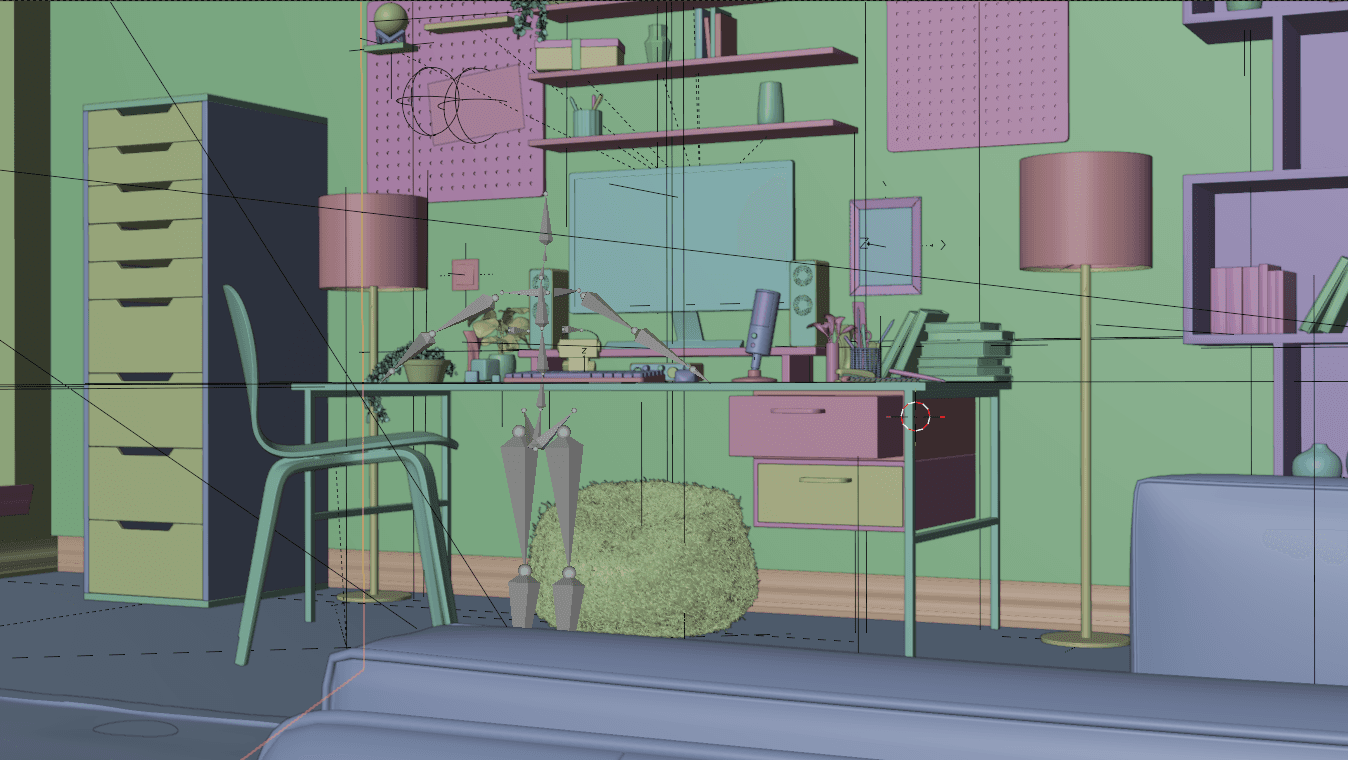
- Learning basic modelling [Modeling some interior items]
- Create a interior scene
- 3D composition
- Lighting, Materials, Camera
- Populating the scene
Creating the 3D Scene #1
Slide
1 / 3
3D Animation
- Learning basic modelling [Modeling some interior items]
- Create a interior scene
- 3D composition
- Lighting, Materials, Camera
- Populating the scene
Animating the 3D Scene
Slide
1 / 4
Scene Variant
- Variating one 3D scene to create another
- Creating a solo 3D item animation
Micro animations
- Animating the objects within the scene
- Utilizing simple Geo-nodes setups and eliminating their fear once and for all
- Using Shape Keys feature
- Curves for animation
- Camera animation
- Setting up multi-view shots
Geometry Nodes
- Setup for object's keyframed culling
- Use geo-nodes like Photoshop's Smart object feature
Animating the 3D Scene
Slide
1 / 4
Scene Variant
- Variating one 3D scene to create another
- Creating a solo 3D item animation
Micro animations
- Animating the objects within the scene
- Utilizing simple Geo-nodes setups and eliminating their fear once and for all
- Using Shape Keys feature
- Curves for animation
- Camera animation
- Setting up multi-view shots
Geometry Nodes
- Setup for object's keyframed culling
- Use geo-nodes like Photoshop's Smart object feature

Geometry Nodes are usually seen as complicated subject among new blender users

Geometry Nodes are usually seen as complicated subject among new blender users

With SaaSWAVE course, you'll skip that difficulty!

Start using them right away with ease using basic animation setups as a starting point!

With SaaSWAVE course, you'll skip that difficulty!

Start using them right away with ease using basic animation setups as a starting point!

Creating and Adjusting Materials
Slide
1 / 3
Adding Materials to Objects
- Using BlendKit for base materials
- Adjusting materials to match our theme
Creating our Own Materials
- Professional looking glitter materials
- Stylized paper materials
- Walls concrete
Creating and Adjusting Materials
Slide
1 / 3
Adding Materials to Objects
- Using BlendKit for base materials
- Adjusting materials to match our theme
Creating our Own Materials
- Professional looking glitter materials
- Stylized paper materials
- Walls concrete
Color Enhance/Composite 3D
After Color Enhance
1 / 4
Blender Export to AfterFX
- Enhancing the 3D with color
- Adding focus to the scene
- Adding atmosphere
Color Enhance/Composite 3D
After Color Enhance
1 / 4
Blender Export to AfterFX
- Enhancing the 3D with color
- Adding focus to the scene
- Adding atmosphere
2D Animations
Slide
1 / 4
2D motion graphics in AfterFX
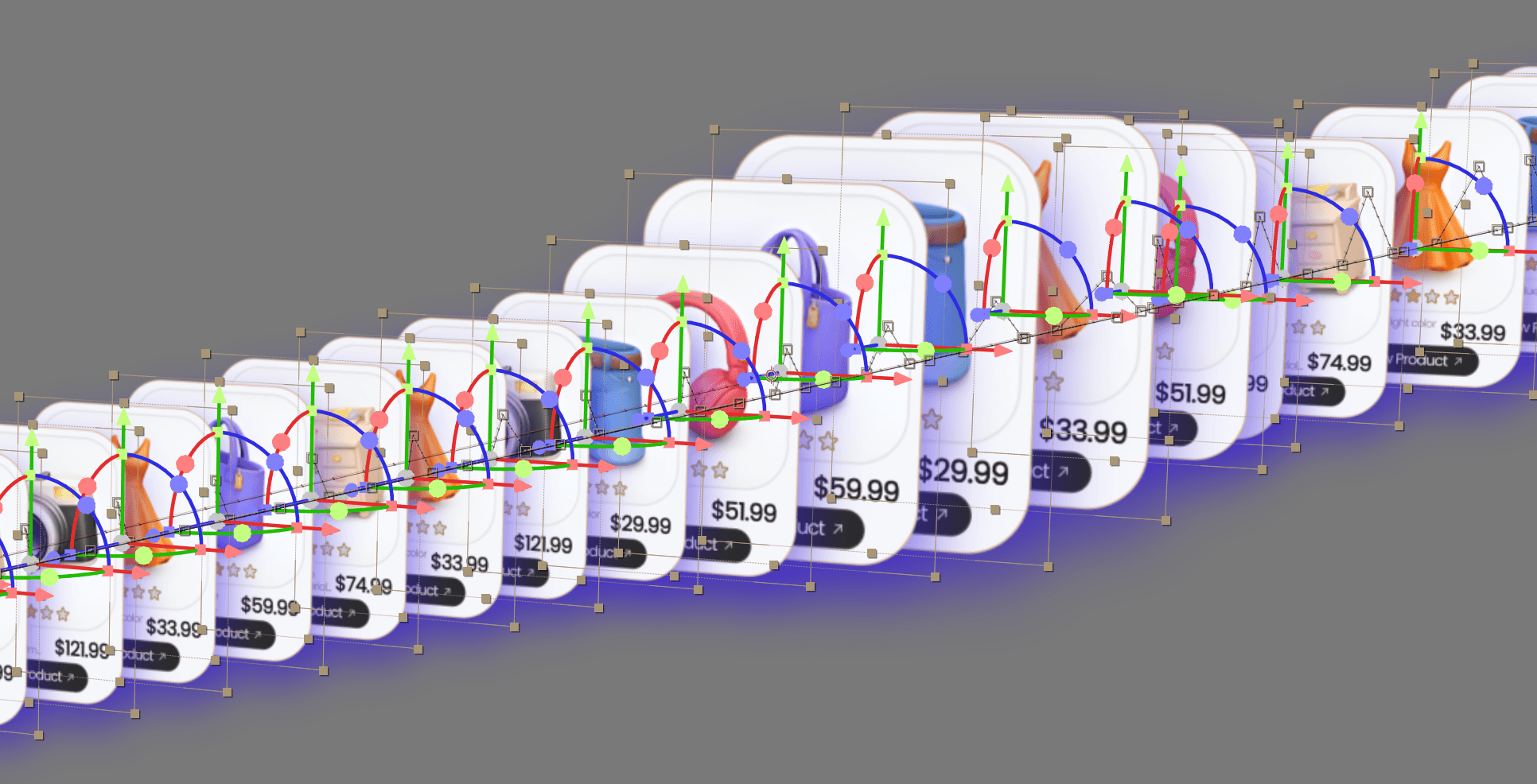
- Creating card stack
- Enhancing the look
- Referencing client's site to recreate UI
- Creating UI mographs
- Keeping animations in sync with audio
2D Animations
Slide
1 / 4
2D motion graphics in AfterFX
- Creating card stack
- Enhancing the look
- Referencing client's site to recreate UI
- Creating UI mographs
- Keeping animations in sync with audio
Seamless workflow from Blender to AE
Slide
1 / 3
Working side by side in 2 programs
- Creating textures in AE
- 2D micro animations in AE
- Utlizing AE textures and micro anims in Blender
- Seamless imports and re-render methods
- Efficient organizing and render methods
Seamless workflow from Blender to AE
Slide
1 / 3
Working side by side in 2 programs
- Creating textures in AE
- 2D micro animations in AE
- Utlizing AE textures and micro anims in Blender
- Seamless imports and re-render methods
- Efficient organizing and render methods
Creating the 3D Scene #2
Slide
1 / 3
Search Box 3D Scene
- Creating motion graphics in Blender with shapes
- Lighting up the motion graphics
Micro animations
- Animating the objects within the scene
- Utilizing simple Geo-nodes setups and eliminating their fear once and for all
- Using Shape Keys feature
- Curves for animation
- Camera animation
- Setting up multi-view shots
Geometry Nodes
- Simple geo-node setups for texts
- Setup for object's keyframed culling
- Easiest approaches that gets you familiar with geo-nodes and see them from a fresh perspective
Creating the 3D Scene #2
Slide
1 / 3
Search Box 3D Scene
- Creating motion graphics in Blender with shapes
- Lighting up the motion graphics
Micro animations
- Animating the objects within the scene
- Utilizing simple Geo-nodes setups and eliminating their fear once and for all
- Using Shape Keys feature
- Curves for animation
- Camera animation
- Setting up multi-view shots
Geometry Nodes
- Simple geo-node setups for texts
- Setup for object's keyframed culling
- Easiest approaches that gets you familiar with geo-nodes and see them from a fresh perspective
Rendering highest quality
Slide
1 / 3
2D motion graphics in AfterFX
- Easy renders
- Efficiently fixing mistakes in renders
- Best render settings in 3D and 2D for fast and quality exports
Rendering highest quality
Slide
1 / 3
2D motion graphics in AfterFX
- Easy renders
- Efficiently fixing mistakes in renders
- Best render settings in 3D and 2D for fast and quality exports

Everything you need and a lot more with tips and useful tools along the way!

Everything you need and a lot more with tips and useful tools along the way!

Inside the course

Go beyond tutorials.
Build real projects.

Excluding GST and regional taxes

Inside the course

Go beyond tutorials.
Build real projects.

Excluding GST and regional taxes

Inside the course

Go beyond tutorials.
Build real projects.

Excluding GST and regional taxes

Beautiful 3D motion graphics

Complete tutorials for artist of every caliber

Beautiful 3D motion graphics

Complete tutorials for artist of every caliber

Beautiful 3D motion graphics

Complete tutorials for artist of every caliber

Beautiful 3D motion graphics

Complete tutorials for artist of every caliber

Easiest 3D to 2D pipeline

Super easy to follow along

Easiest 3D to 2D pipeline

Super easy to follow along

Easiest 3D to 2D pipeline

Super easy to follow along

Visuals that vibe with sounds

No more corporate music or voice overs

Visuals that vibe with sounds

No more corporate music or voice overs

Visuals that vibe with sounds

No more corporate music or voice overs

Visuals that vibe with sounds

No more corporate music or voice overs

Seamless transitions 3D to 2D

Latest 10h ago

Seamless transitions 3D to 2D

Latest 10h ago

Seamless transitions 3D to 2D

Latest 10h ago

Seamless transitions 3D to 2D

Latest 10h ago

Course details

Lifetime access

Suited for Basic - Pro

Total 44 video tutorials

15+ hours

Assets/Files Included

Discord access

English

USD 179.00 ~

Original Price

USD 283.00

No subscription

One-time Payment

Learn at your own pace

Taught by a professional

Excluding regional tax

Read FAQs and Policy

Course details

Lifetime access

Suited for Basic - Pro

Total 44 video tutorials

15+ hours

Assets/Files Included

Discord access

English

USD 179.00 ~

Original Price

USD 283.00

No subscription

One-time Payment

Learn at your own pace

Taught by a professional

Excluding regional tax

Read FAQs and Policy

Prices will return to original, once the launch month is over

FAQs

Answers to commonly asked questions

What's required for Explainer / SaaS Video?

Just a visual example of your software/webapp/site so I can understand what that does. Don’t have a script or voiceover? No problem! I’ll take care of everything from scriptwriting to the final video production.

What's required for animating a Splash art?

Preferably a Photoshop/Clip Studio file (organized for animation if possible). Otherwise, a high-quality JPG/PNG works. I’ll prepare it for animation.

What's required for Shortform/Longform edit?

Script, voiceover or spokesperson video that's cut-ready and color graded. So I can dive in animations right away. Reference video/s anything that helps setting the mood for your vision.

How long does it take?

Typically 3-4 days, max a week(rare). It depends upon the scope of project and simplicity/complexity.

How do payments work?

Once the project is confirmed we'll proceed with 50% upfront and 50% on delivery.

What's your typical process?

I’ll start by creating an initial visual to establish the right feel and vibe. Once you approve it, I’ll continue the project and send regular updates with screenshots and screen recordings throughout the process. Until the final delivery! Your satisfaction is guaranteed, I treat every client’s project as my own.

Recommendation

Who should take this course

Beginner or Intermediate animators who are struggling with

Beginner or Intermediate animators who are struggling with

Transitioning between scenes

Utilizing 3D to 2D process

Sound design for animation

Coming up with unique visuals

Refining client's script for animation

Fears using multiple software